
Linux Installation and Environment Setup
Linux Installation and Environment Setup
This module introduces students to installing Linux, understanding the Linux interface, accessing the command line, and managing software packages. These skills are essential for anyone preparing to use Linux for cybersecurity tasks.
1. Installing Linux on Virtual Machines
Installing Linux in a virtual environment is the safest and most convenient way for beginners to learn. A virtual machine allows you to run Linux inside your existing operating system without affecting your main system.
Using Oracle VM VirtualBox
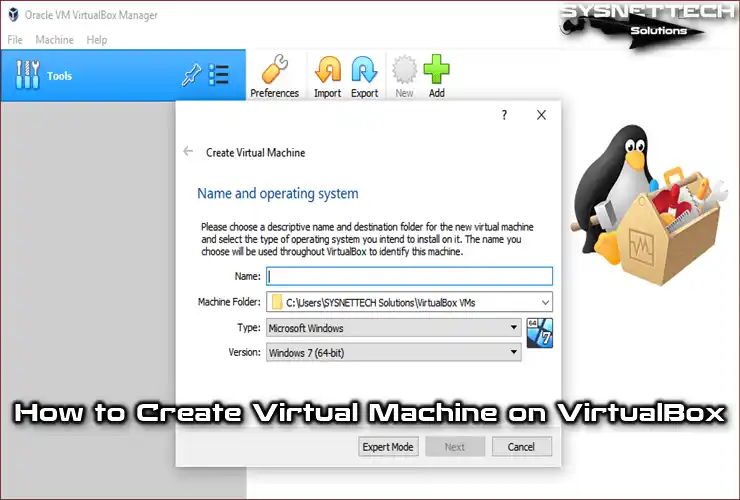
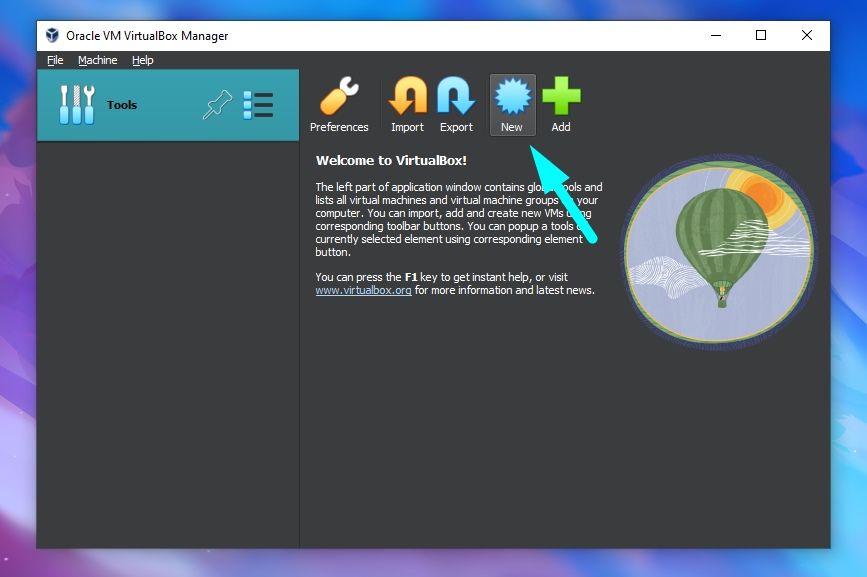
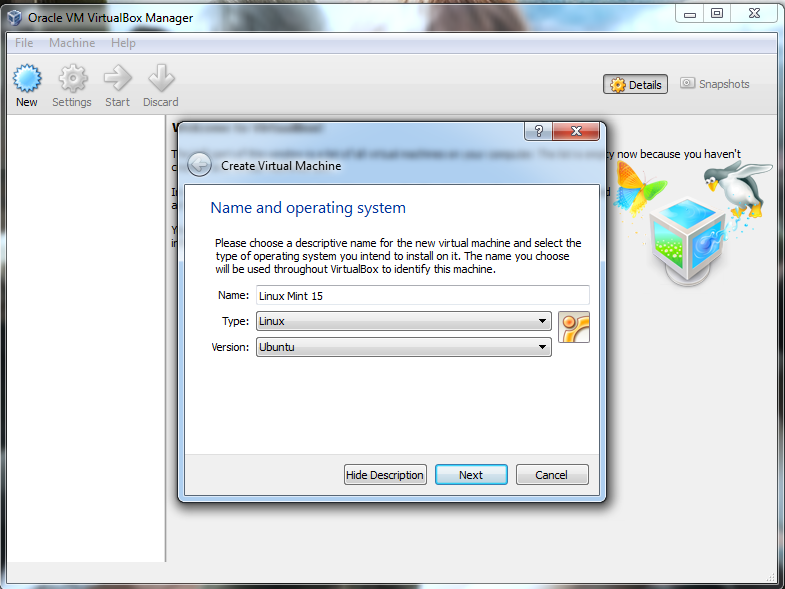
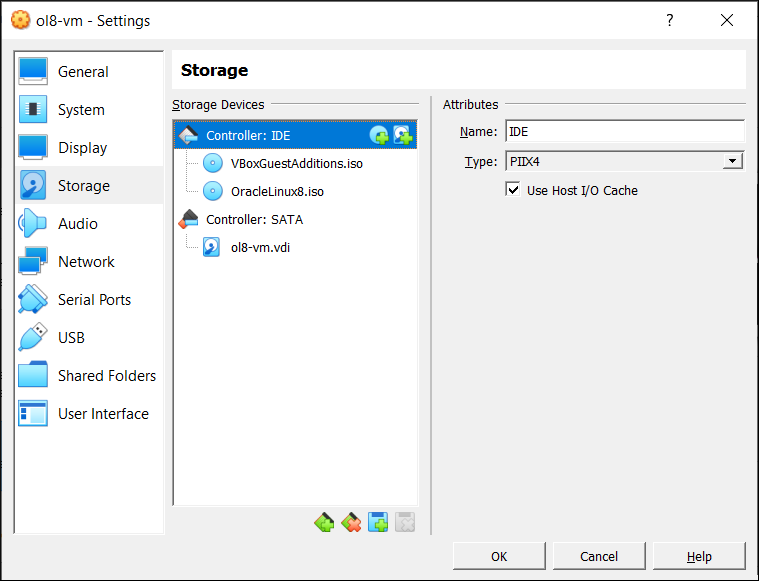
VirtualBox is a free virtualization software used to run multiple operating systems on a single computer.
Steps to Install Linux on VirtualBox
- Download and install VirtualBox.
- Download a Linux ISO file such as Ubuntu or Kali Linux.
- Open VirtualBox and click New.
- Choose the OS type (Linux).
- Allocate RAM (recommended: 2–4 GB).
- Create a virtual hard disk (20–40 GB recommended).
- Attach the ISO file.
- Start the virtual machine and follow the installation instructions.
Advantages
- Safe testing environment
- Easy to reset or reinstall
- No changes to the main operating system
Using VMware Workstation
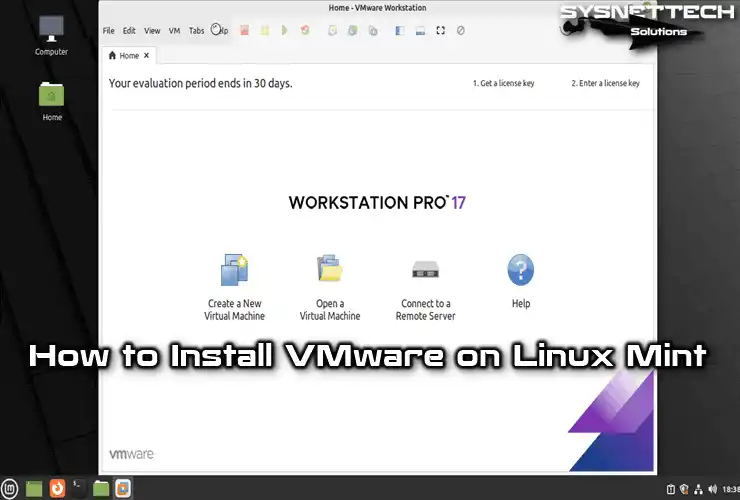
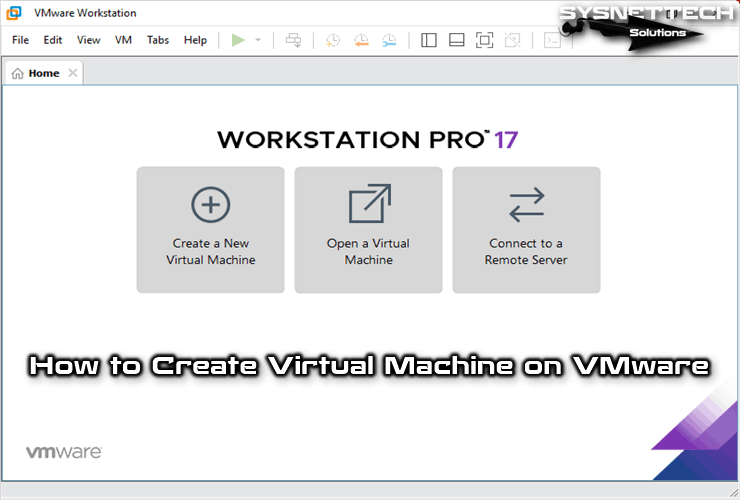

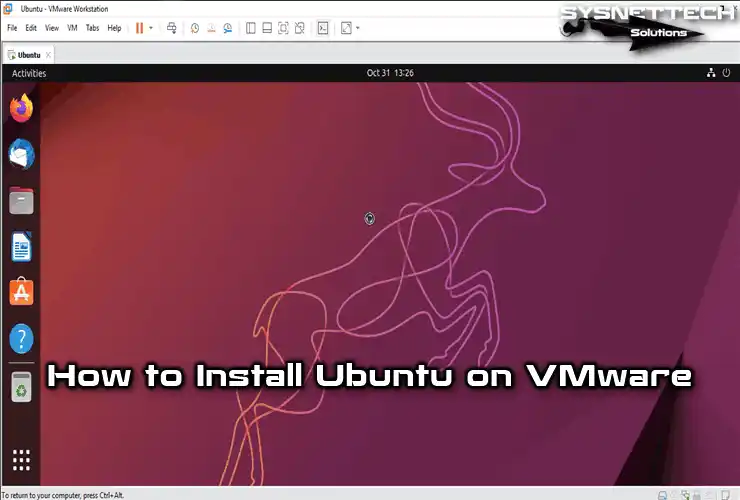
VMware Workstation is another powerful virtualization platform commonly used in cybersecurity labs.
Steps
- Install VMware Workstation.
- Select Create New Virtual Machine.
- Load the Linux ISO image.
- Configure memory, CPU, and disk space.
- Start the installation and follow on-screen instructions.
Benefits
- Better performance
- More advanced virtualization features
- Widely used in professional environments
2. Understanding the Linux Desktop Environment
A desktop environment (DE) is the graphical interface that allows users to interact with Linux using windows, icons, menus, and panels.
Common desktop environments include:
- GNOME
- KDE Plasma
- XFCE
Key Components of a Desktop Environment
1. Application Menu
- Allows users to launch programs.
2. Taskbar or Panel
- Displays running applications.
3. File Manager
- Used to browse files and folders.
4. System Tray
- Shows notifications and system status.
5. Desktop Workspace
- The main area where windows and applications appear.
Different Linux distributions use different desktop environments depending on their design goals.
3. Accessing the Terminal
The terminal is one of the most powerful tools in Linux. It allows users to interact with the system using commands instead of graphical menus.

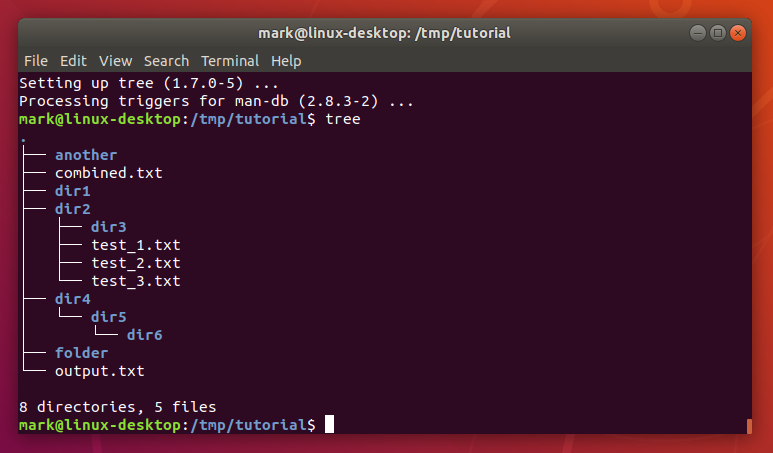
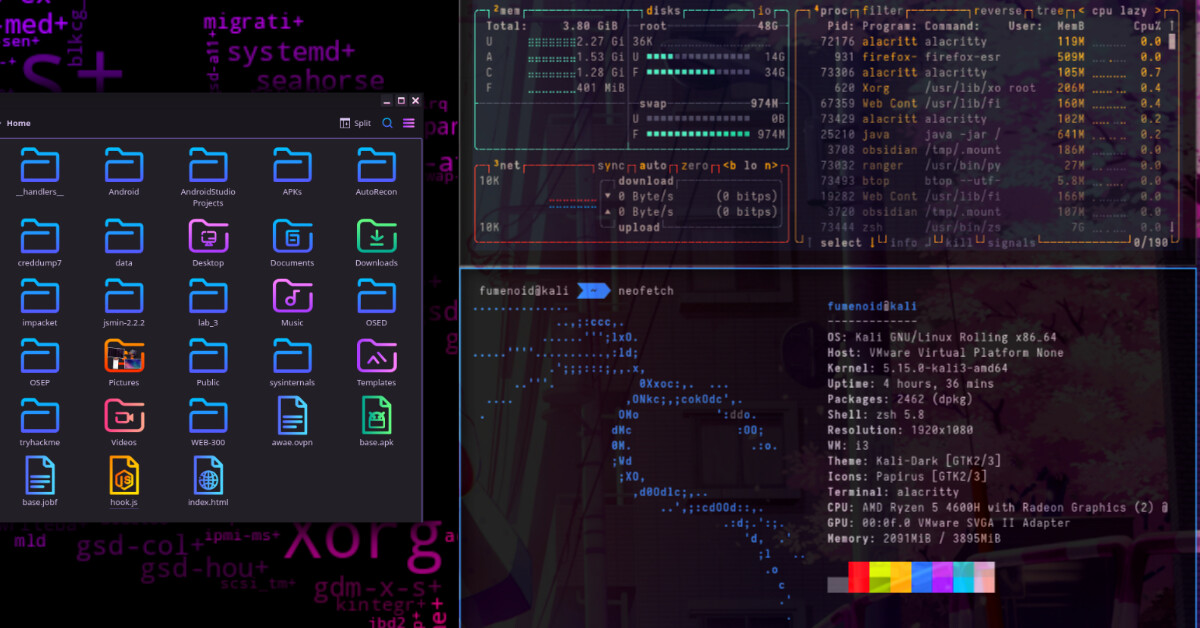
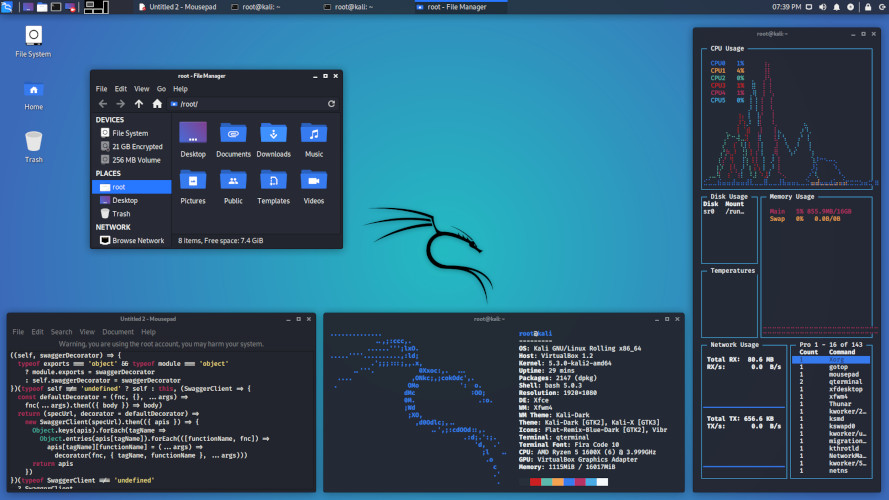
The terminal communicates with the system through a program called a shell.
The most commonly used shell is Bash.
Ways to Open the Terminal
Method 1 – Keyboard Shortcut
Ctrl + Alt + T
Method 2 – Application Menu
- Open the menu
- Search for Terminal
Method 3 – Right-click Desktop
- Select Open Terminal
Common Beginner Commands
| Command | Purpose |
|---|---|
pwd |
Shows current directory |
ls |
Lists files and folders |
cd |
Changes directory |
clear |
Clears the terminal screen |
whoami |
Shows current user |
4. System Updates and Package Management
Linux systems regularly receive updates that improve security, performance, and stability.
Keeping your system updated is very important in cybersecurity environments.
Updating a Linux System
Example in Debian-based systems:
sudo apt update
sudo apt upgrade
Explanation:
apt update→ refreshes the package listapt upgrade→ installs the latest versions
Updates help protect the system from known vulnerabilities and security threats.
5. Introduction to Linux Package Managers
A package manager is a tool used to install, update, remove, and manage software in Linux.
Different Linux distributions use different package managers.
APT (Advanced Package Tool)
APT (Advanced Package Tool) is used in Debian-based distributions such as:
- Ubuntu
- Kali Linux
Common APT commands:
| Command | Function |
|---|---|
sudo apt update |
Update package list |
sudo apt upgrade |
Upgrade installed packages |
sudo apt install package-name |
Install software |
sudo apt remove package-name |
Remove software |
Example:
sudo apt install nmap
YUM (Yellowdog Updater Modified)
YUM is used in older Red Hat-based systems.
Examples:
sudo yum install package-name
sudo yum update
sudo yum remove package-name
It automatically handles dependencies required for software.
DNF (Dandified YUM)
DNF is the modern replacement for YUM and is used in newer distributions like:
- Fedora Linux
- Red Hat Enterprise Linux
Examples:
sudo dnf install package-name
sudo dnf update
sudo dnf remove package-name
DNF provides better performance and dependency management than YUM.
Module Summary
At the end of this module, students should understand:
- How to install Linux using virtual machines
- The components of the Linux desktop environment
- How to open and use the terminal
- The importance of system updates
- How Linux package managers install and manage software
These skills prepare students for the next stage: mastering Linux command-line operations and system administration.